What changed at a glance
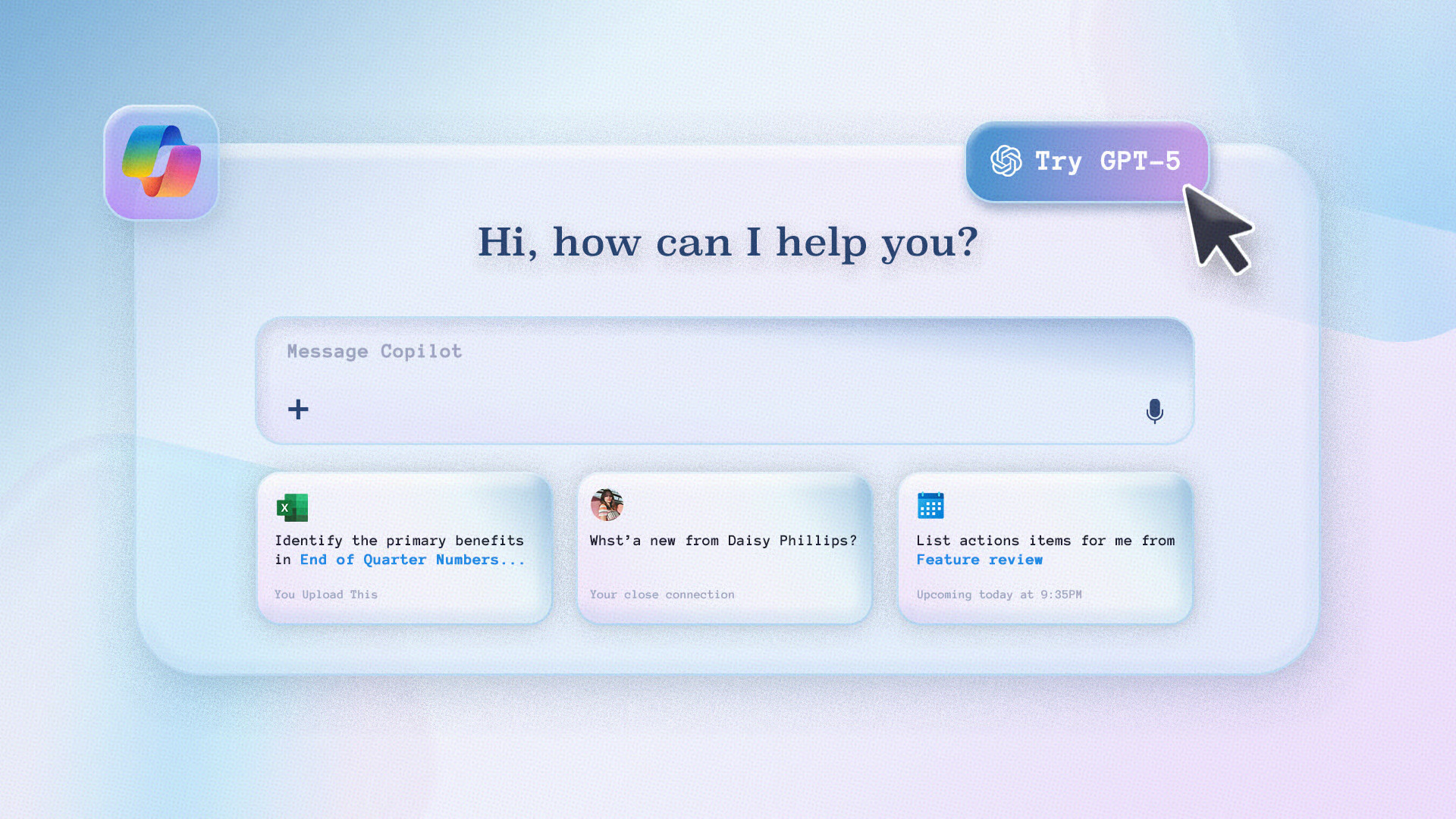
Microsoft now runs GPT-5 inside its Copilot products. The change is more than a simple model swap. Copilot can now decide automatically whether a query needs a quick response or deeper multi-step reasoning, and it can maintain coherent context over much larger inputs. These capabilities arrive with compatibility for enterprise controls already in Microsoft environments.
Core capabilities that affect enterprise workflows
Real-time model routing: right response, right time
Copilot uses a routing system that selects a lightweight, fast model for simple, short queries and a deeper reasoning model when the task requires extended thought. For end users this removes the need to choose a mode manually. For IT, it reduces support friction because end users get better responses by default and fewer confusing mode switches. Practical impact: fewer help tickets about inconsistent outputs and faster turnaround on short tasks.
Much larger context windows: keep the whole story in view
GPT-5 supports dramatically larger context windows than prior models. That lets Copilot read and reason over entire documents, multi-hour meeting transcripts, and large codebases while preserving details through long interactions. The result is a more coherent summarization, better follow-up questions, and fewer out-of-context answers when users reference earlier material. For teams that rely on long reports or multi-file code reviews, this is the most visible improvement.
Stronger coding support and multi-step workflows
GPT-5 improves code generation, debugging, and multi-file refactors. Inside GitHub Copilot and code editors, expect clearer suggestions, more reliable refactor proposals, and better explanations of nontrivial changes. For engineering managers, that translates to faster onboarding and fewer review cycles for routine changes. Plan to validate outputs, but the developer experience should be noticeably more productive.
Safer, clearer responses when the model cannot comply
Instead of blunt refusals, Copilot powered by GPT-5 provides more informative safety-guided replies that explain limitations and suggest alternatives. That makes the assistant more transparent about uncertain or disallowed requests and reduces user frustration when a task cannot be completed exactly as asked. From an operational standpoint, this feature helps with user training because the assistant gives teachable feedback.
How GPT-5 contributes to organisations
Productivity and knowledge work
Teams that handle long-form content will see better summaries and action items extracted from meetings and lengthy documents. Copilot can maintain thread continuity across many interactions, which reduces repeated context-setting and speeds task completion. Expect improved time-to-insight for analysts, project leads, and knowledge workers.
Developer workflows
Engineering teams will benefit from richer code suggestions and fewer manual refactors for repetitive tasks. Still treat generated code as a starting point: apply the same review, testing, and security checks you already use. Use Copilot to accelerate routine tasks and free senior engineers for higher-value design work.
Governance, privacy, and compliance
Microsoft states that GPT-5 integration follows the existing enterprise controls that govern Microsoft 365. Admins should review current policies for data access and connectors, and confirm how Copilot connectors ingest line-of-business unstructured data into Microsoft Graph. Validate logging and access controls before broad rollout so you maintain auditability and meet regulatory obligations.
Practical steps for rollout and adoption
Pilot strategy for IT leaders
Start with a scoped pilot: choose a few teams that rely on heavy documentation or frequent code reviews. Measure time saved, error rates in generated outputs, and user satisfaction. Use pilot findings to shape training materials and guardrails before enterprise-wide deployment.
Update governance and training materials
Update acceptable use policies to reflect how Copilot will be used with GPT-5. Teach users to treat Copilot outputs as draft work that needs review. Create short, role-based guides: one for business users (how to prompt for meeting summaries and action items) and one for developers (best practices for using generated code safely).
Measure success with the right KPIs
Track qualitative and quantitative indicators: time spent on tasks, number of iterations in reviews, incidence of incorrect suggestions, and user satisfaction. Focus on business outcomes rather than hype. Successful adoption is about predictable improvement in work, not dramatic statements.
Limitations and risks to consider
GPT-5 improves many capabilities, but it is not infallible. It may still produce inaccurate or incomplete outputs, and it requires human oversight for critical decisions. Complex regulatory or legal tasks should continue to involve human experts. For sensitive data handling, confirm how connectors and permissions are configured and monitor for unexpected data exposure. When a claim is unclear or unverifiable, mark it for human review.
Is GPT-5 free in Copilot?
Yes, GPT-5 is available to both free and paid Copilot users. Microsoft is bringing OpenAI's most advanced GPT-5 model to its Copilot AI, and it is completely free to use.
What are the best ways to apply the GPT-5 model in Copilot?
You can keep using Copilot the same way as before. GPT-5 simply makes those tasks sharper, whether you’re writing, coding, or summarizing meetings, giving you clearer and more reliable support without changing your workflow.
How secure is data when using Microsoft Copilot?
It is protected by comprehensive, industry-leading compliance, security, and privacy controls. Copilot for Dynamics 365 has a set of core security and privacy practices and is built around Microsoft’s Responsible AI Standards. Additionally, because Copilot is running in Azure cloud, your data is secured and not shared with OpenAI.
Share this on

Jerry Johansson
Works in IT and digital services, turning complex ideas into clear, engaging messages — and giving simple ideas the impact they deserve. With a background in journalism, Jerry connects technology and people through strategic communication, data-driven marketing, and well-crafted content. Driven by curiosity, clarity, and a strong cup of coffee.