
At Microsoft’s recent event on managing data risk in organizations using AI, I found the discussion useful and concrete. The speakers spent time on the issues teams actually deal with: where organizations lose visibility, how oversharing happens, and how governance works in everyday use.
In this blog, I want to share the most useful insights I took away from the session and why I think they matter for any company adopting AI today.
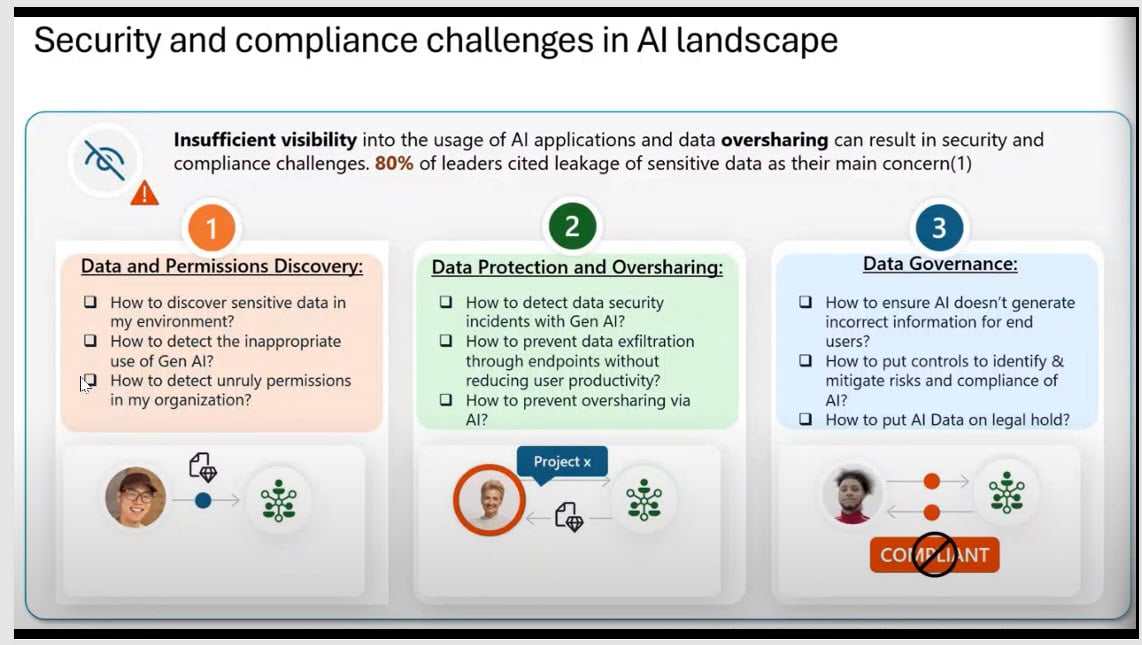
Security challenges in AI era
One sentence from Aileen that stayed with me was: “No organisation is perfect.” AI readiness is about building enough control and visibility to move forward safely, not about waiting until everything is flawless.
"The biggest AI risk is not the model itself. Many organizations still do not have a clear picture of which AI tools are in use, how data is flowing, or whether employees are putting sensitive information into unmanaged tools."
Aileen Finlay, Microsoft’s Senior Security Engineer
The main challenges she highlighted were:
- Data and permissions discovery, knowing where sensitive data sits and where permissions may be too broad.
- Data protection and oversharing, preventing sensitive information from being exposed, copied, or exfiltrated through AI and endpoints.
- Data governance, putting the right controls around how AI behaves, what it can surface, and how risk is managed over time.
Microsoft Purview DLP Example
One of the first challenges companies face when adopting AI quickly is shadow AI, in simple terms, the use of AI tools that are not managed or approved by the organization. This is also where AI data risk starts to grow, because sensitive information can move into unmanaged tools without clear visibility or control.
Aileen shared two very common examples of how this happens in practice.
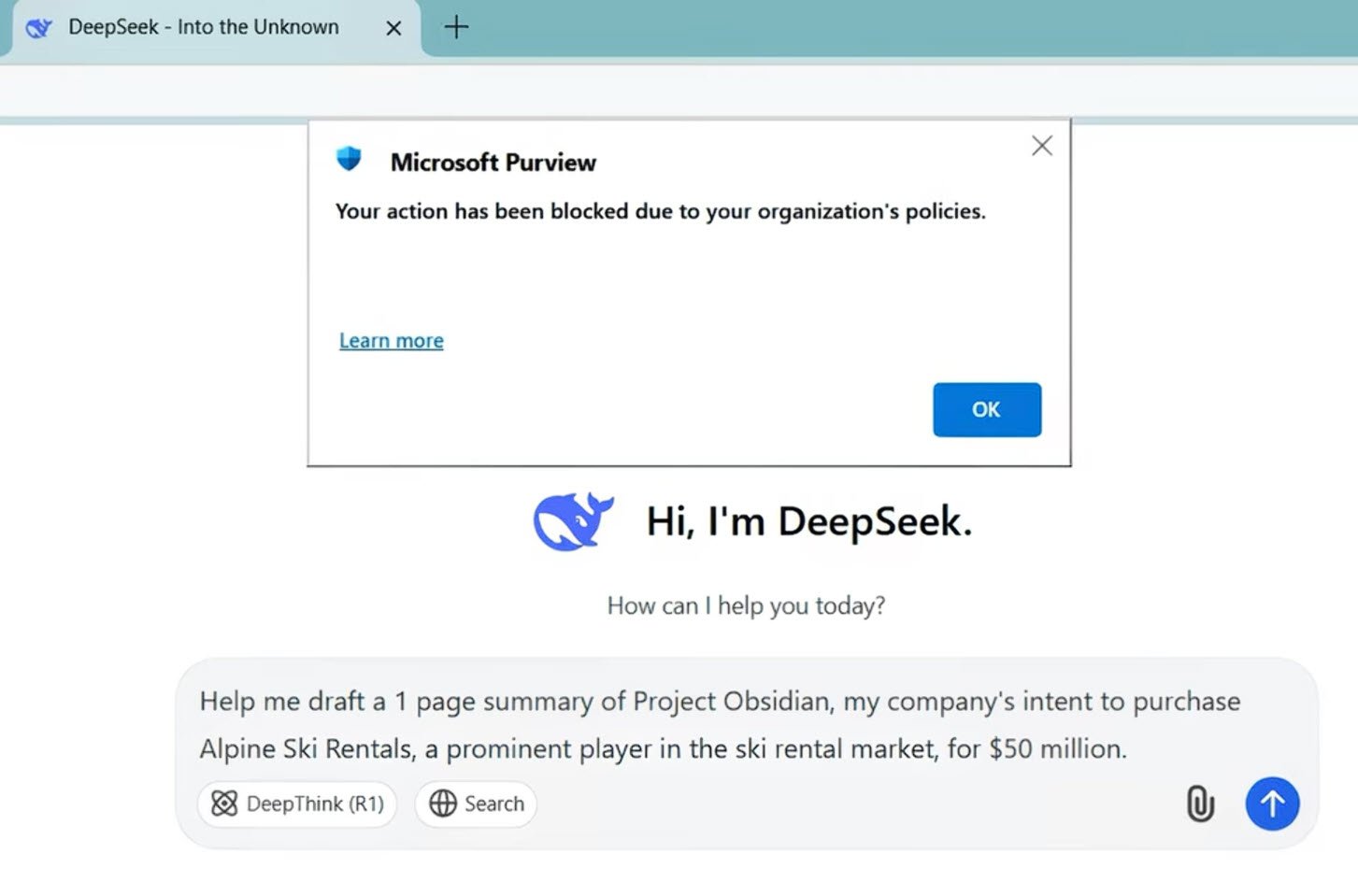
Example 1: A marketing employee wants to create a draft for Project Obsidian, important company project using third party AI tool.
Example 2: An employee uses Copilot on their phone to summarize an important company document. After that, they copy and paste the summary into personal storage tools, such as a notes app on their phone or a personal Word app.
Both actions feel routine and harmless, but Aileen pointed out that these everyday behaviors are often what lead to sensitive data leakage. This shows how Microsoft Purview DLP works in practice.
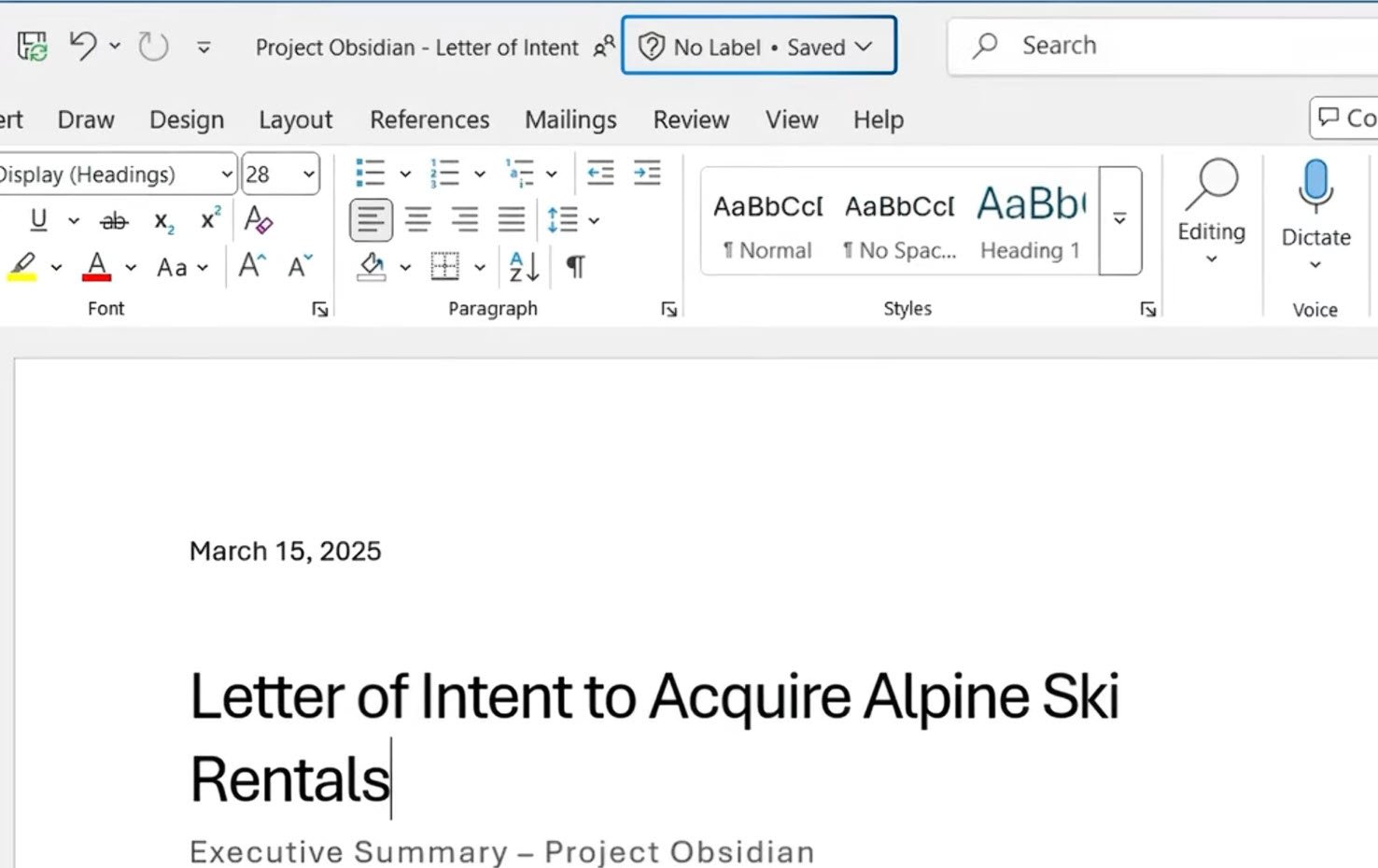
In the first example, that employee has sensitive information in file Word that has no sensitive label on.
When an employee tries to copy content into DeepSeek, without need of label on the file, Microsoft Purview still detects that sensitive information is being shared inappropriately and immediately stops it.
In the second example, when the user tries to paste Copilot-generated content into a third-party app, the result simply shows: “Your organization data cannot be pasted here.”

When Purview DLP is configured correctly, it can classify content based on sensitivity labels and automatically apply protections to prevent actions that could lead to data leakage.
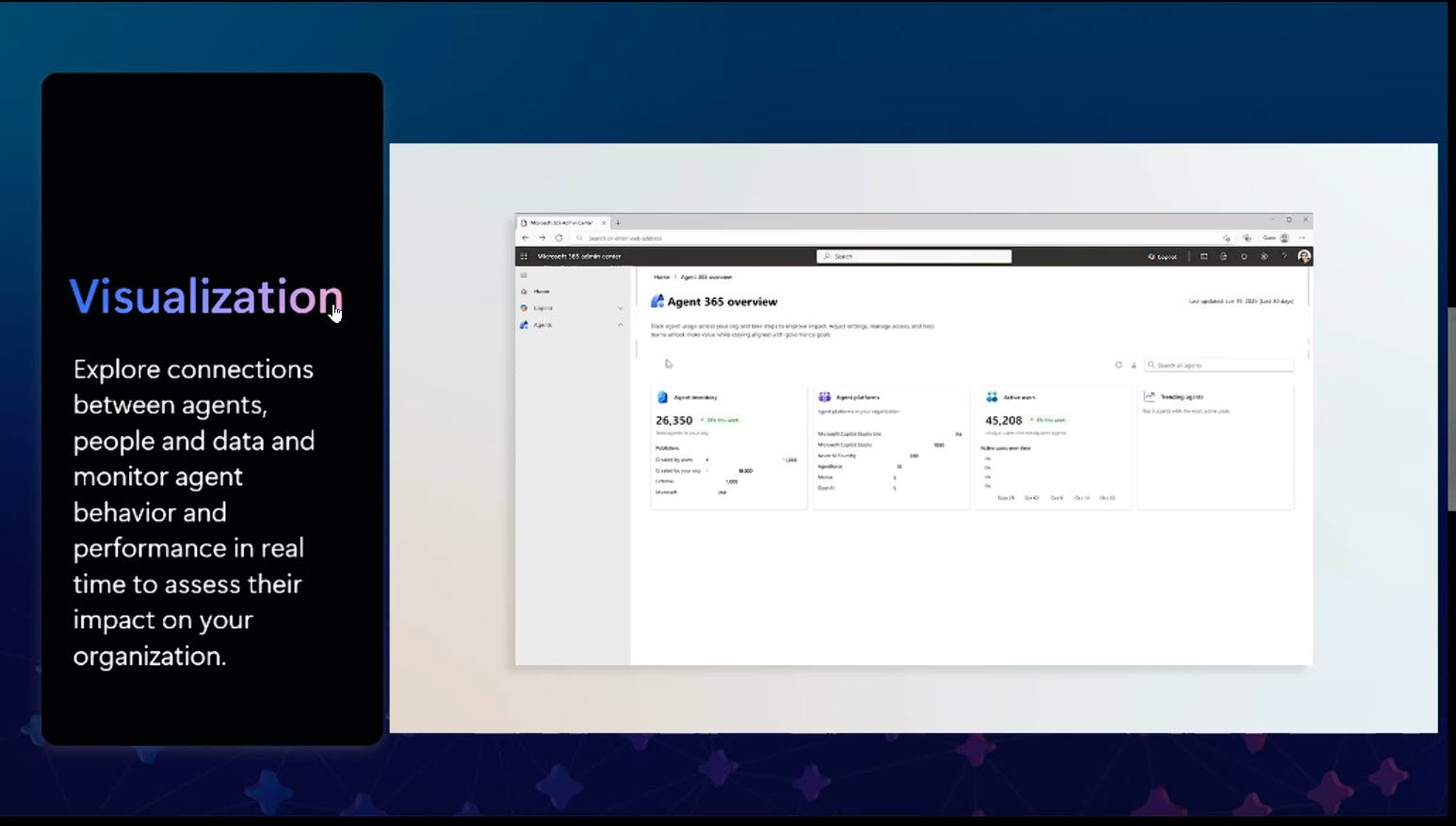
Aileen also introduced Agent 365, a powerful control plane for managing AI agents across the Microsoft environment. If that topic is of interest, we have prepared a separate article with more detail on Agent 365, you can read it here.
AI Adoption Needs Control, Not Perfection
Companies can move forward with AI without waiting for everything to be perfect. But to do that safely, they need better visibility, tighter permissions, and stronger governance around how data and AI agents are used. Reducing AI data risk should be part of that foundation from the start.
Contact usQuestions & Answers
Do we need all files labeled before enabling Copilot on Microsoft 365 E3?
No, you do not need perfect labeling coverage across the entire company before starting. Organizations can begin adopting AI even if they are still on Microsoft 365 E3 and do not yet have automated labeling.
What you do need is a controlled rollout model. Michael Landolt, Chief Security Advisor at Microsoft, described that model in three layers:
- First, use Copilot controls to restrict access to content that should not be surfaced.
- Second, use SharePoint Advanced Management (SAM) assessments to identify where sensitive or stale content is sitting, especially in sites that may no longer need broad access.
- Third, because E3 does not give you the level of automated labeling discussed in the session, you must rely more heavily on users applying labels correctly as they create content.
In other words, the answer is not “wait until everything is perfect,” but rather “start with guardrails, and close the highest-risk gaps first.”
What is the safest way to deploy Copilot in an E3 environment?
In an E3 environment, the goal is to put guardrails in place first, then expand adoption as labeling and access controls improve. Aileen recommended progress step by step: Address the highest-risk areas first, prove that your controls are working, and then expand.
That creates a much more defensible adoption path than waiting for universal perfection or, on the other extreme, turning AI on everywhere without controls.
What should E3 organizations do first to reduce AI data risk before broader adoption?
Focus on three basics: make sure users apply labels correctly, limit Copilot’s access to sensitive or overexposed content, and review the SharePoint sites with the highest risk and permissions. The priority is to reduce the biggest data exposure risks before scaling AI more broadly.
For Microsoft Purview agents, is Microsoft 365 E5 required for admins only or all in-scope users?
The requirement is tied to the scope of the data the agents are meant to analyze. If the agent is being used across the whole tenant, you should assume licensing must cover the full in-scope user population, not only the admins. If the deployment is limited to a defined subset of users or workloads, then licensing and policy scope should match that subset.
Can third-party tools like Claude Code be governed under Microsoft’s governance model?
Yes, Claude Code and other third-party-built agents can be governed, but only after they are brought into Agent 365 so Microsoft can manage them as part of its control plane. If they stay outside that managed environment, governance becomes much more limited.
Share this on

Pär Johansson
Pär works with international business at Precio Fishbone, project delivery & digital services, helping turn complexity into progress and strategy into long-term value. With many years of experience in international business, He is known for building strong relationships and turning plans into meaningful progress. Driven by people, trust and sustainable growth.