Introduction
Microsoft 365 Copilot is moving fast. What started as a smart assistant for drafting and summarizing is becoming a platform where AI agents can take on real tasks across Word, Excel, Teams, Outlook, and more.
The Microsoft Frontier Program is now open not only to enterprise tenants but also to individual Microsoft 365 subscribers, which makes it one of the most important preview tracks to understand in 2025.
What Is Frontier Program?
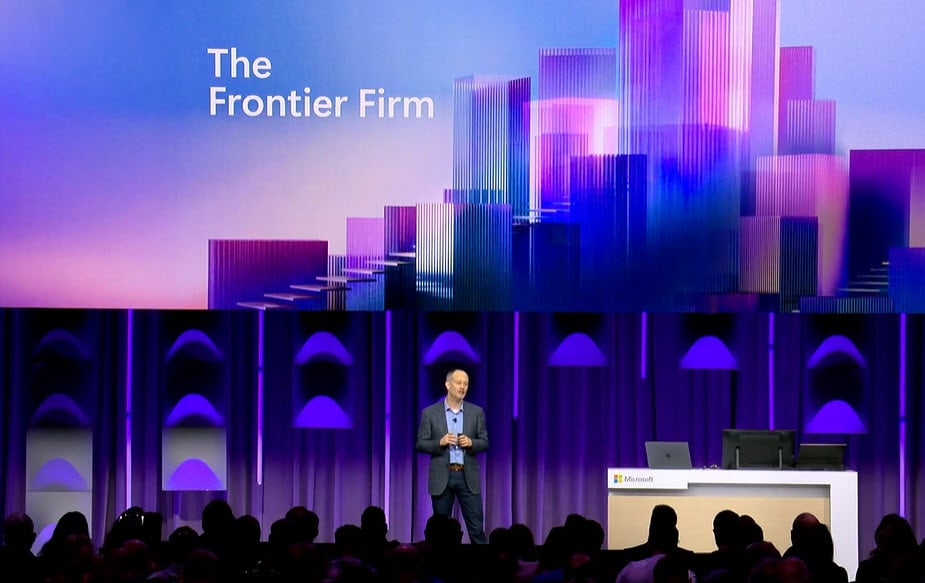
Frontier is Microsoft’s early-access program for new AI features in Microsoft 365. It gives you a first look at Copilot agents and preview capabilities before they reach general availability. Microsoft positions Frontier as hands-on access, inside your own Microsoft 365 environment, with feedback loops that help shape what ships next.
In practice, Frontier matters because it is where Microsoft pilots the next wave of agent-driven work inside Microsoft 365. If your stakeholders care about AI acceleration, or you need to stay ahead of productivity shifts, Frontier is a practical way to test what Copilot will offer next without waiting for GA.
What Do You Get in Frontier Program?
Microsoft describes two main categories of Frontier releases.
Frontier agents in the Copilot Agent Store
Frontier agents are experimental agents published through the Microsoft 365 Copilot Agent Store. They appear with “(Frontier)” in their names so you can spot them easily. You can install them into Copilot Chat and use them like any other agent to automate tasks, answer domain questions, or support specific roles.
Frontier core app features
These are early Copilot or agent capabilities that appear inside Microsoft 365 apps like Word, Excel, PowerPoint, and Copilot Chat. Many of the agentic upgrades shown at Ignite 2025, such as Agent Mode experiences, are rolling out through Frontier first.
Who Can Join Frontier Program?
Enterprises with Microsoft 365 Copilot
Any Microsoft 365 customer with a Copilot license is eligible for Frontier. Access is still controlled by tenant admin settings, so your organization decides who can use previews.
Individuals with Microsoft 365 subscriptions
Microsoft has expanded Frontier to individual subscribers as well. If you have Microsoft 365 Personal, Family, or Premium, you can access Frontier features in Copilot Chat on the web and in Word and Excel on the web. The initial rollout is US-based and English-first.
Frontier is now a dual-track program. This matters for adoption because it brings agentic Copilot experiences to everyday users, not only enterprise pilots.
How Enterprises Enable Frontier?
Enterprises typically enable Frontier in two parallel ways: turning on Frontier agents and turning on Frontier core app features.
Access Frontier agents through the Agent Store
Outlook Copilot pane (web or desktop)
- Check eligibility: Users must have an active Microsoft 365 Copilot license to see the Agent Store and install agents. If someone cannot see it, licensing or admin policy is the first thing to check.
- Open Copilot Chat: Copilot Chat can be opened from:
- Microsoft’s official getting-started guide lays out a clear flow.
- Web at Microsoft365.com
- Microsoft Teams Copilot Chat
- Navigate to the Agent Store: In Copilot Chat, select “All Agents” or “Agent Store.” The store catalog you see depends on admin controls.
- Find Frontier agents: Frontier agents are labeled “(Frontier).” You can browse or search by category or publisher.
- Install or request access: Admins can set Agent Store policies as:
- Allow All
- Curated
- Allow None. If Curated or Allow None is used, users may need to request access.
- Start using the agent in Copilot Chat: Once installed, the agent appears in Copilot Chat and is ready to use. Built-in feedback helps Microsoft tune the preview.
Access Frontier features inside Microsoft 365 apps
This path is for preview capabilities that ship directly into Word, Excel, PowerPoint, and other apps. Microsoft supports 3 surfaces:
- Desktop (Windows and Mac): Join the Microsoft 365 Insiders Beta Channel. In any Office app, go to File, Account, Update Channel, Beta Channel, then follow prompts.
- Web and native apps: Admins enable Frontier through Frontier Program admin control in Copilot settings. Microsoft is moving away from Entra group targeting, so check the current tenant-level options in your admin center. Once enabled, previews appear automatically.
- Mobile apps: On mobile, Frontier features arrive via preview app builds, depending on rollout. Users need to enroll in the mobile Insider or Beta program to receive them.
A practical tip for readers: if your pilot group wants the full Frontier experience, make sure they have access to both the Agent Store and the Beta Channel features.
How Individual Subscribers Join Frontier?
For personal Microsoft 365 users, Frontier is lighter but still valuable. Microsoft’s Tech Community announcement confirms that Agent Mode experiences in Word and Excel are part of this rollout.
Here is what individuals should know:
- You need Microsoft 365 Personal, Family, or Premium
- Frontier currently shows up in web apps first (Word, Excel, Copilot chat on the web)
- Opt-in is done inside supported web apps: Microsoft says users can opt into Frontier capabilities from the web versions of Microsoft 365 applications. The exact UI can vary by rollout wave, so some users may see the toggle later than others.
If you are writing this for a mixed audience, highlight that the subscriber version is preview-focused on web and English so far.
A Quick Note on Agent 365
Agent 365 is Microsoft’s new enterprise agent control plane, and it is rolling out through Frontier for early adopters. If you want the full strategic context and why Microsoft built Agent 365, check our dedicated Agent 365 blog. Below, we focus strictly on how to access it.
How to Access Agent 365 through Frontier?
Microsoft is clear about the access path: early Agent 365 is available in the Microsoft 365 admin center, as long as a few conditions are in place:
- Your tenant has Microsoft 365 Copilot licenses.
- Frontier is enabled for the tenant or at least for your admin group.
- You are signed in with a role that can manage Copilot and agents (typically Microsoft 365 admin, security admin, or equivalent).
Enable Frontier in your Copilot settings first for the whole tenant or the Entra groups you want. Then sign in to the Microsoft 365 admin center and open the Agents section. Select All Agents to see your full agent list, and choose any agent there to activate it, set policies, and approve permissions. Once Frontier is on, Agent 365 will appear in this Agents area.
That’s it. Once Frontier is enabled, Agent 365 becomes visible in the admin center under Agents, and you can start exploring inventory and activation workflows right away.
Closing Thoughts
Frontier is Microsoft’s clearest signal that Copilot is becoming an agent platform. For enterprises, it provides a controlled way to test new agents and preview features inside real workflows. For individuals, it is the first time everyday Microsoft 365 subscribers can opt into the same early agentic capabilities that enterprise users see.
If your organization is serious about agents, Frontier is the fastest ramp-on to learn what is coming next. Enable it, explore Frontier-labeled agents, test the newest app features, and when you are ready, contact us for guilden with Agent 365 in the admin center to start managing your agent fleet early.
Share this on

Jerry Johansson
Works in IT and digital services, turning complex ideas into clear, engaging messages — and giving simple ideas the impact they deserve. With a background in journalism, Jerry connects technology and people through strategic communication, data-driven marketing, and well-crafted content. Driven by curiosity, clarity, and a strong cup of coffee.