What Is an AI Governance Intake Prioritization Workflow?
An AI governance intake prioritization workflow is a structured process that gives every AI use case request a defined path through assessment and approval before any implementation work begins.
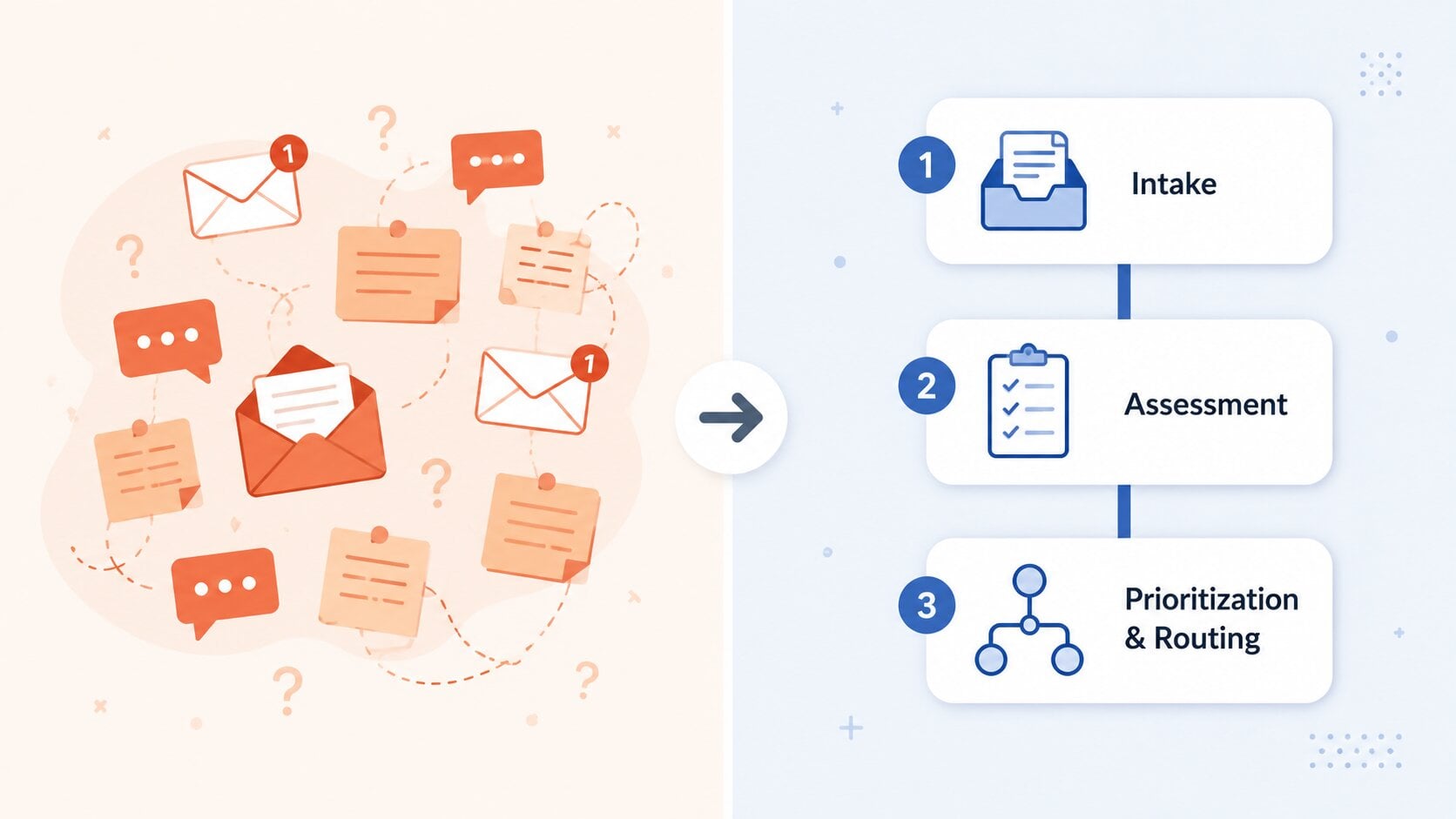
Instead of AI ideas being handled informally by individual departments, it creates centralized visibility and a consistent basis for decision-making. In a Microsoft 365 environment, it runs across three stages:
- Intake: a business team submits a request through Microsoft Forms or Power Apps, connected to a SharePoint List
- Assessment: Power Automate automatically triggers a review flow that scores the request against defined criteria
- Prioritization and routing: based on scores stored in SharePoint, the request is ranked and routed to the right decision-maker
Why Organizations Need One
As AI requests grow across departments, the same problems tend to surface without a structured intake process in place.
Without a structured intake:
- Duplicate AI initiatives with no cross-team visibility
- Compliance and privacy risks caught too late
- High-value use cases stalled without a vocal sponsor
- Shadow AI built outside IT oversight
- No documented basis for approval decisions
With a structured intake:
- One submission channel for all AI requests
- Consistent evaluation criteria applied to every use case
- Governance review built in before implementation starts
- A prioritized backlog based on value, risk, and readiness
A well-designed intake workflow makes the official route faster and easier to use than the unofficial one. EY's research found that more than half of department-level AI initiatives in the US operate without formal approval or oversight.
Key Components of an AI Governance Intake Prioritization Workflow
Standardized intake form
Built in Microsoft Forms or Power Apps and connected to a SharePoint List. Captures problem statement, expected outcome, data sources, system dependencies, and business sponsor. It should take a non-technical user less than ten minutes to complete. If the form is too complex, submission rates drop and informal channels win.
Automated triage and routing
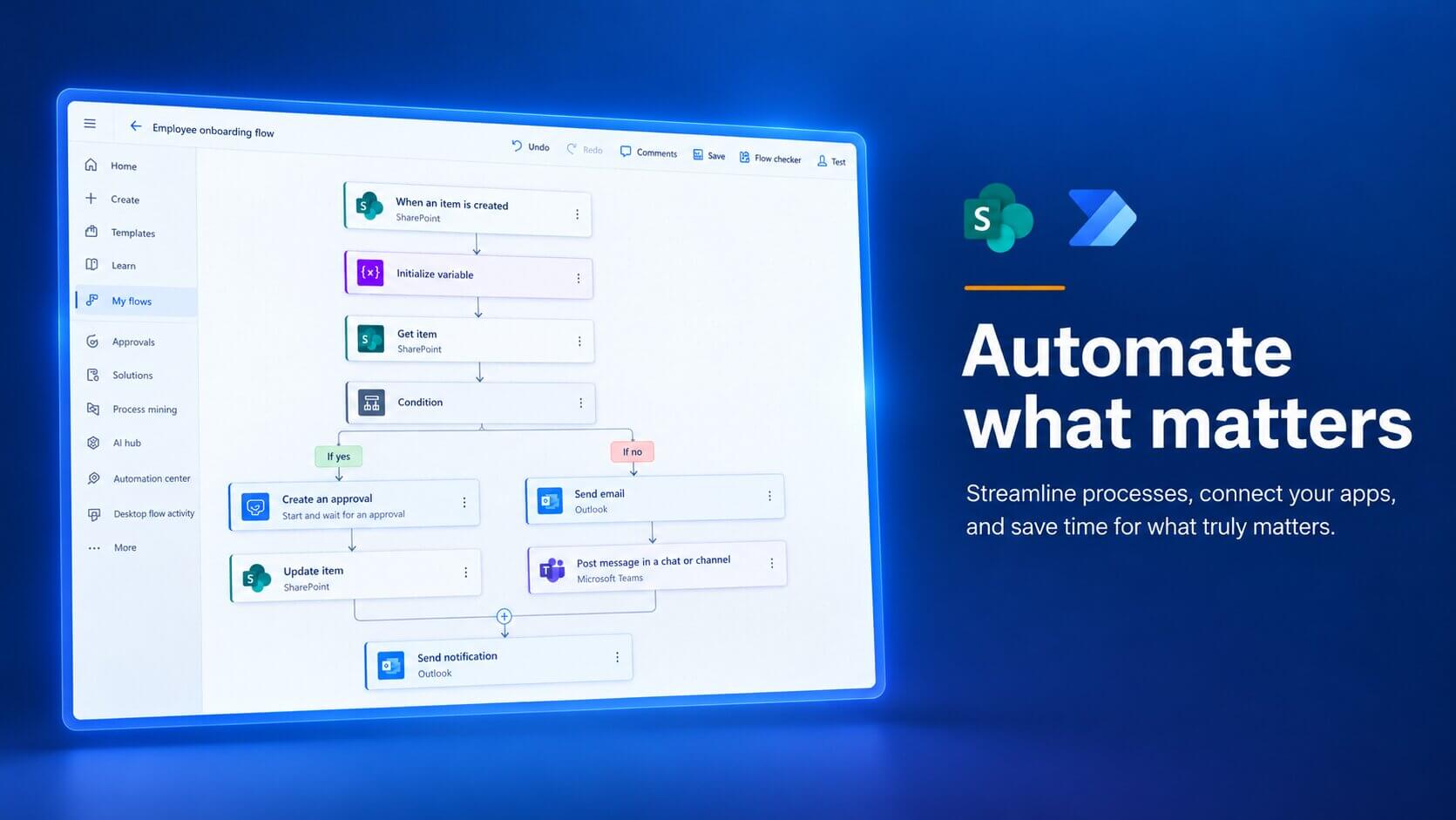
A Power Automate flow triggers on each new SharePoint list item and routes the request automatically. Personal data involved goes to compliance. Custom model needed goes to architecture review. All others route to the business sponsor. Parallel branching handles use cases that trigger multiple conditions at once.
Prioritization scoring model
A consistent framework for comparing requests across six dimensions:
|
Dimension |
What to assess |
|
Business value |
Operational impact, cost reduction, productivity gain |
|
Strategic alignment |
Fit with AI priorities and Microsoft roadmap |
|
Data readiness |
Availability, quality, and accessibility of required data |
|
Implementation complexity |
Effort, dependency count, integration requirements |
|
Risk level |
Data sensitivity, compliance exposure, model risk |
|
Sponsor strength |
Business commitment and change management capacity |
Scores are stored in the SharePoint List. Calculated columns can generate a composite score for simpler models; more complex weighting is better handled in Power Apps or Power Automate.
How to Build in SharePoint and Power Automate

Step 1: Design the intake form
Microsoft Forms works for a quick start. A SharePoint List with a Power Apps form gives more control over permissions and data structure. Decide which fields are mandatory, what branching logic is needed, and who can access submitted data.
Step 2: Build routing logic in Power Automate
A flow triggers on each new SharePoint list item. Conditions evaluate the submission and route it to the right reviewer. Parallel branches handle use cases that need multiple simultaneous reviews.
Step 3: Implement the scoring model
A Power Apps form lets reviewers score each dimension. Scores go back into the SharePoint List, where calculated columns can roll them up into a single composite score.
Step 4: Configure approval workflows
Power Automate approval actions let reviewers decide directly from Outlook or Teams, with each decision written back to the SharePoint List.
Step 5: Build a status dashboard
A SharePoint page with filtered list views gives submitters and governance leads a live view of all requests. Connect a Power BI report for deeper analytics over time.
Step 6: Pilot before full rollout
Run the workflow with one or two business units and the core governance team first. The pilot reveals gaps in form design and routing logic that are much easier to fix before broad adoption.
When Precio Fishbone helps organizations implement intake workflows, we typically start with one business unit and a simplified form. The pilot usually surfaces gaps in routing logic and scoring criteria that are easier to address before full adoption.
We build the governance layer in from the start including documented review records and a defined escalation path, so the process is auditable from day one.
AI Governance Intake Workflow in Action
Consider an HR team at a Nordic manufacturing company with around 1,200 employees. The team had identified three AI use cases: an onboarding assistant for new hire questions, an AI-supported policy update workflow, and an exit interview summarization tool.
Each idea came from a different team member, and all three touched employee data. The team had no formal process for deciding which use case to pursue first, who needed to approve it, or which governance requirements applied.
The problem
Without a structured intake process, the HR team faced three compounding issues:
- No way to compare use cases. Priority defaulted to whoever raised the idea most frequently, not which use case created the most value.
- No documented data privacy review. All three use cases involved personal employee data with no formal record that privacy requirements had been assessed.
- No visibility into implementation readiness. The team could have committed resources to a use case that was not ready to build.
A SharePoint and Power Automate intake workflow
The HR team worked with IT to implement a lightweight intake workflow using Microsoft Forms, Power Automate, and SharePoint.
- Standardized intake form. A four-question Microsoft Forms intake captured the problem, data sources, business owner, and expected outcome.
- Automated parallel routing. Power Automate routed every request simultaneously to the HR Director for business validation and to IT security for a data privacy check.
- Prioritization scoring. Each use case was scored against business value, data readiness, and implementation complexity, producing a ranked backlog.
Outcomes
- Onboarding assistant moved to implementation. Data already existed in a structured format and the business owner was engaged.
- Policy update workflow placed in the backlog pending a data audit of existing HR documents.
- Exit interview tool approved but deprioritized. The business sponsor could not commit to the change management needed for adoption.
The HR Director had full visibility into what was moving forward and why, and IT had a documented privacy review record for every request.
Do You Need Custom Development?
Microsoft Forms, SharePoint Lists, and Power Automate cover the core requirements without significant custom development. Custom development becomes relevant only when advanced scoring logic or deeper analytics are needed.
If governance is not keeping pace with AI demand in your organization, a practical next step is to map how requests arrive today and where they stall. Precio Fishbone can help you design and build a workflow that fits your governance model and Microsoft environment.
Start Building Your WorkflowFrequently Asked Questions
What is the difference between an AI governance intake workflow and a standard IT service request?
An intake workflow captures a full use case including business problem, data involved, risk profile, and expected outcome.
Does this require custom development, or are standard Microsoft 365 tools sufficient?
Microsoft Forms, SharePoint Lists, and Power Automate cover most needs. Custom development only becomes relevant when advanced scoring logic or deeper analytics are needed.
What happens to use cases that are rejected or deprioritized?
They stay visible in the backlog with a documented reason, so the team can revisit them when data readiness or sponsorship improves.
How do you prevent governance review from becoming a bottleneck?
Assign a clear owner and a maximum review timeline to each checkpoint. A review with no deadline will stall.
Can this workflow handle agentic AI requests separately?
Yes. A branching question in the intake form can trigger a separate, more detailed review path for agentic use cases within the same Power Automate flow.
Share this on

Pär Johansson
Pär works with international business at Precio Fishbone, project delivery & digital services, helping turn complexity into progress and strategy into long-term value. With many years of experience in international business, He is known for building strong relationships and turning plans into meaningful progress. Driven by people, trust and sustainable growth.