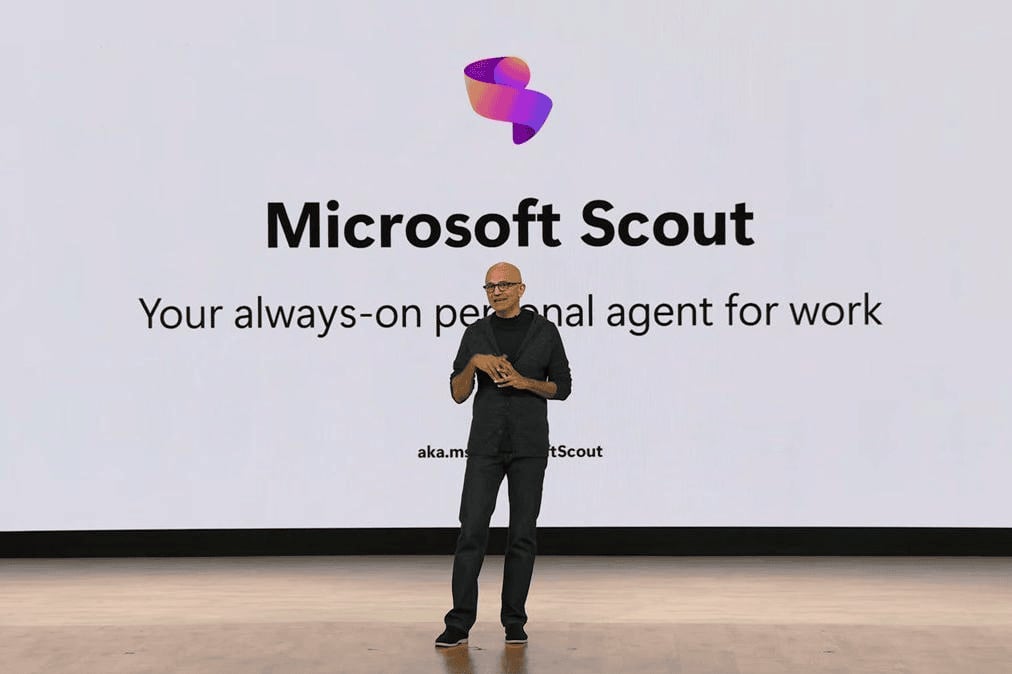
Among the wave of announcements coming out of Microsoft Build, one stood out differently. Not because of the feature list. But because of what it signals about where enterprise AI is actually heading.
Microsoft introduced Scout, and with it, an entirely new category they're calling Autopilots.
If you've been following AI developments this past year, you've probably grown a little numb to launch announcements. New model, new integration, new name for something that feels mostly the same. Scout is worth paying attention to for a different reason: it doesn't just assist your work. It carries your work forward while you're doing something else. That might sound like a subtle difference. It isn't.
Before Scout: Where Most AI Still Lives
To understand why Scout is a meaningful shift, it helps to be honest about what enterprise AI has mostly been until now.
The first wave, ChatGPT and early Copilot, was essentially a smarter search box. You ask, it answers. Useful, but entirely dependent on you knowing what to ask and when to ask it. The quality of the output depends almost entirely on the quality of your prompt, which means the cognitive load never really leaves you.
The second wave brought AI into the tools you already use: Copilot in Word, Teams, Outlook. This was a genuine improvement, AI that understood your documents, your meetings, your org's data. Copilot has also gained memory over time, learning your preferences and working style across sessions. Meeting summaries, document drafts, email replies are all meaningfully faster than before.
But the fundamental dynamic still hasn't changed: you open the app, you trigger the action, you wait for a response. Copilot is a very capable assistant. It just needs you to show up first.
Both generations share the same limitation. They wait for you.
Scout is built around a different assumption entirely.
What Scout Actually Does, Without Being Asked
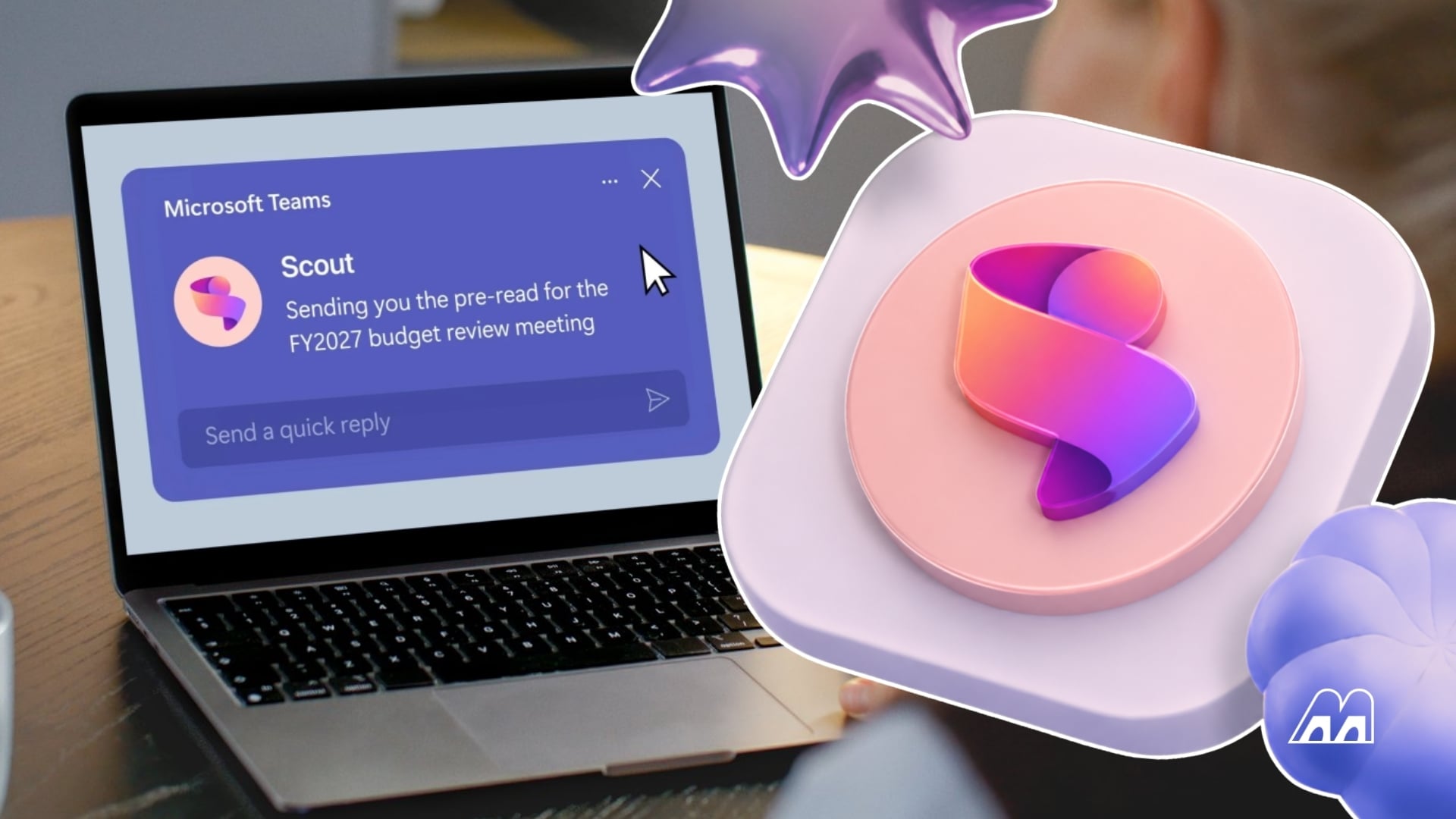
Scout is what Microsoft calls an Autopilot agent. It runs continuously in the background, connected to your Teams, Outlook, OneDrive, SharePoint, calendar, and contacts. It doesn't wait for a prompt. It monitors your work context and takes action based on what it finds.
In practice, that looks like:
Your calendar has overlapping meetings with people across multiple time zones. Scout identifies the conflict, proposes resolutions, and flags what needs your decision before you've opened a scheduling tool. It doesn't send you a summary asking what to do. It handles the coordination and keeps you informed on what needs a decision.
A key decision on a project you're tracking has been sitting without resolution for over a week. Scout surfaces it as a risk, not buried in a thread you've already filed away. It catches the things that fall through the gaps precisely because it's watching all the signals at once, not just the ones you happen to open.
You have an important presentation coming up. Scout proactively surfaces relevant materials based on your upcoming commitments.
None of this happens because you asked. It happens because Scout understands your work context well enough to know what needs to happen next. And critically, it doesn't just surface information. It acts. It schedules. It blocks calendar time. It flags the stalled decision so the right people can address it before it becomes a blocker.
Over time, it gets sharper through what Microsoft calls Work IQ, a context layer that learns your priorities, your patterns, and what actually matters to you versus what's just noise.
How Scout Compares to What You're Already Using
This is where the distinction becomes clearest.
| ChatGPT / Gemini | Microsoft Copilot |
Microsoft Scout |
|
| When does it work? | When you ask | When you open it | Continuously |
| Knows your work context? | No | Yes, across M365 | Yes, across M365 |
| Takes action on your behalf? | Limited, requires prompting | In supported apps | Yes, proactively |
| Learns over time? | No | Yes, Copilot Memory | Yes, Work IQ |
| Has its own identity in your org? | No | No | Yes, governed Entra ID |
The key difference isn't that Scout knows more or remembers more. Copilot has made real progress on both fronts. The difference is that Scout doesn't need to be opened. It's already running, already reading the signals, already deciding what deserves your attention.
Think of it this way: Copilot is an assistant who gives excellent answers when you walk into their office. Scout is the one who knocks on your door before you realize there's a problem.
That last row, governed Entra identity, is one of the more underappreciated parts of this launch. Scout doesn't operate as an anonymous background service. Every action it takes is tied to a known identity in your organization's directory, which means every action is attributable, auditable, and governed by the access controls you've already configured.
Why This Is a Different Kind of Shift
The move from AI-that-responds to AI-that-acts is not a small one for how organizations run.
Most of what makes work slow isn't the hard decisions. It's the coordination overhead: the scheduling back-and-forth, the follow-ups that get lost, the risks that go unnoticed because everyone assumed someone else was watching. That's exactly the layer Scout is designed to absorb.
But this also means the conversation for leadership teams isn't just "should we adopt this", it's "how do we govern AI that operates with real autonomy inside our systems". What decisions do we want humans to retain? Where do we draw the line between automation and judgment? How do we build the internal policies that make this safe to run at scale?
Those questions don't have universal answers. They depend on your industry, your risk tolerance, your existing M365 configuration, and where your teams actually spend their coordination overhead. The organizations that get the most out of Scout won't necessarily be the ones who move fastest. They'll be the ones who've done that thinking before they flip the switch.
What We're Watching
As a Microsoft partner working with enterprise teams on AI adoption, we're tracking Scout's rollout closely, specifically how it integrates with existing M365 governance frameworks, where the line between automation and human decision-making lands in practice, and what readiness looks like for organizations at different stages.
If your team is thinking through what this means for your business, we're happy to talk. Not about the product, about the actual questions: what makes sense for your organization, what you'd need to put in place, and what to focus on in the meantime.
Scout is early. But the direction it represents is not going away. The organizations best positioned when it reaches general availability will be the ones building the governance foundation now, not scrambling to catch up later.
Talk to us for more insights
FAQ
Is Microsoft the only company doing this?
No. Google launched Gemini Spark at Google I/O 2026, a similar always-on agent for Workspace. The key difference: Spark targets general consumers at $100/month; Scout is built exclusively for enterprise M365 environments.
Scout runs on OpenClaw, which has documented security flaws. How is that safe?
Scout is not raw OpenClaw. Microsoft wraps it with Entra identity governance, Intune policy enforcement, and Purview data protection, which are controls the open-source version lacks entirely. Security teams should still evaluate this during any pilot.
What does IT actually need to set up before deployment?
Frontier program enrollment, Intune policy configuration, an opt-in attestation, and a GitHub Copilot license per user. Beyond installation, admins must also define connector permissions, data access boundaries, and approval workflows.
How is Work IQ different from Copilot Memory?
Copilot Memory personalizes responses for individual users based on chat history. Work IQ maps how your entire organization operates across email, calendar, meetings, and files. They operate at different levels.
What should we do right now if Scout isn't available yet?
Audit your M365 governance baseline: Entra ID, Intune, and Purview coverage are the exact infrastructure Scout runs on. Watch the Work IQ API general availability on June 16 as the clearest signal of the broader rollout timeline.
Share this on

Pär Johansson
Pär works with international business at Precio Fishbone, project delivery & digital services, helping turn complexity into progress and strategy into long-term value. With many years of experience in international business, He is known for building strong relationships and turning plans into meaningful progress. Driven by people, trust and sustainable growth.