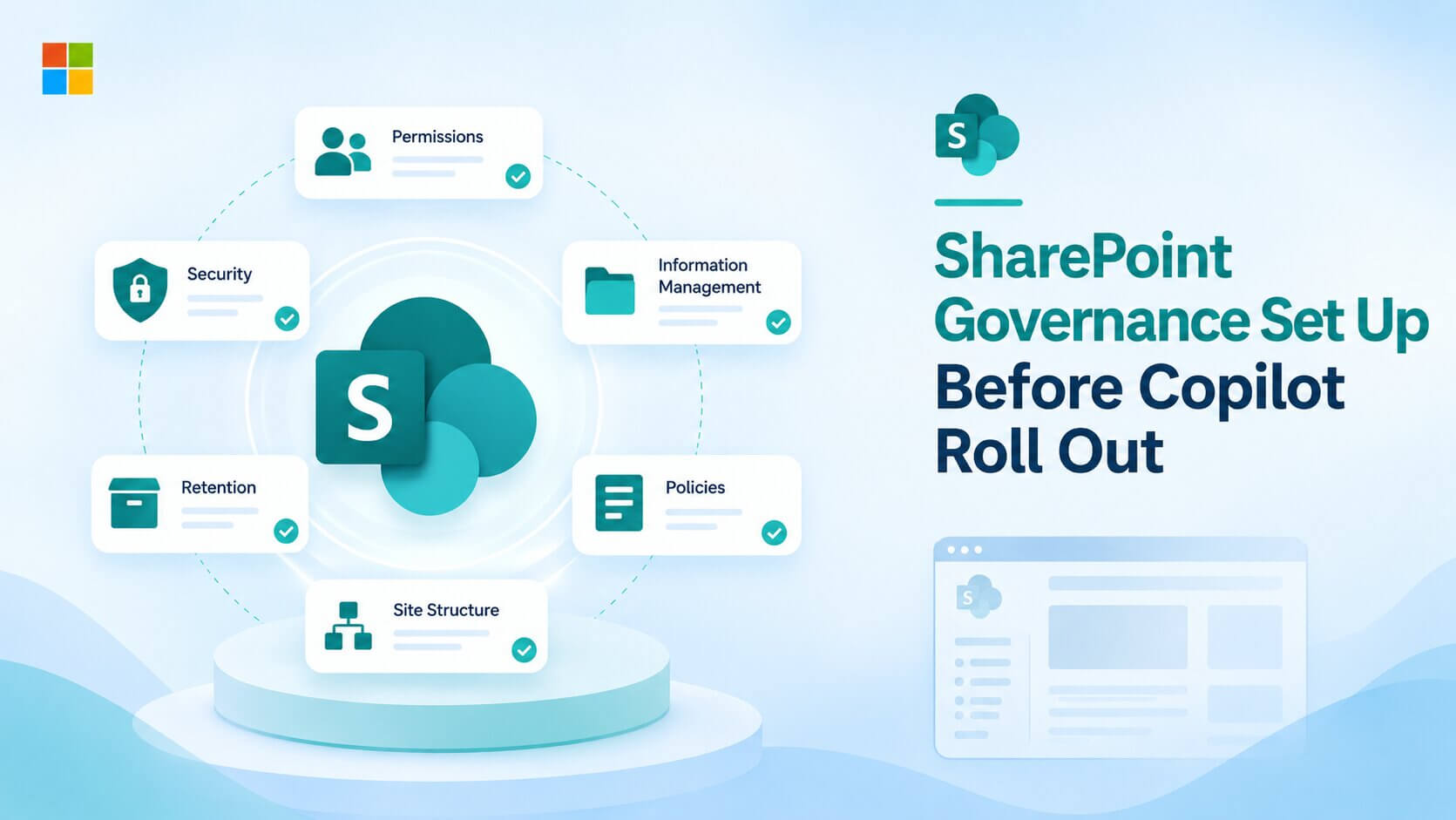
SharePoint governance decides what Copilot can find. Copilot follows the same access rules your users already have, so every overshared site, forgotten group, and stale sharing link becomes a file Copilot will surface to anyone who asks.
Copilot does not create new access. It queries Microsoft Graph and returns files the signed-in user can already open. The problem is that most tenants carry years of permission drift nobody noticed because nobody searched for it.
Delaying Copilot only postpones the cleanup. I see the same pattern in nearly every tenant review that SharePoint governance gaps were already there, Copilot just made the business care.
Precio Fishbone has been delivering SharePoint intranets and document management systems for over a decade. The governance gaps in this article are ones we encounter in every tenant we work with.
Copilot Returns Everything a User Can Already Open
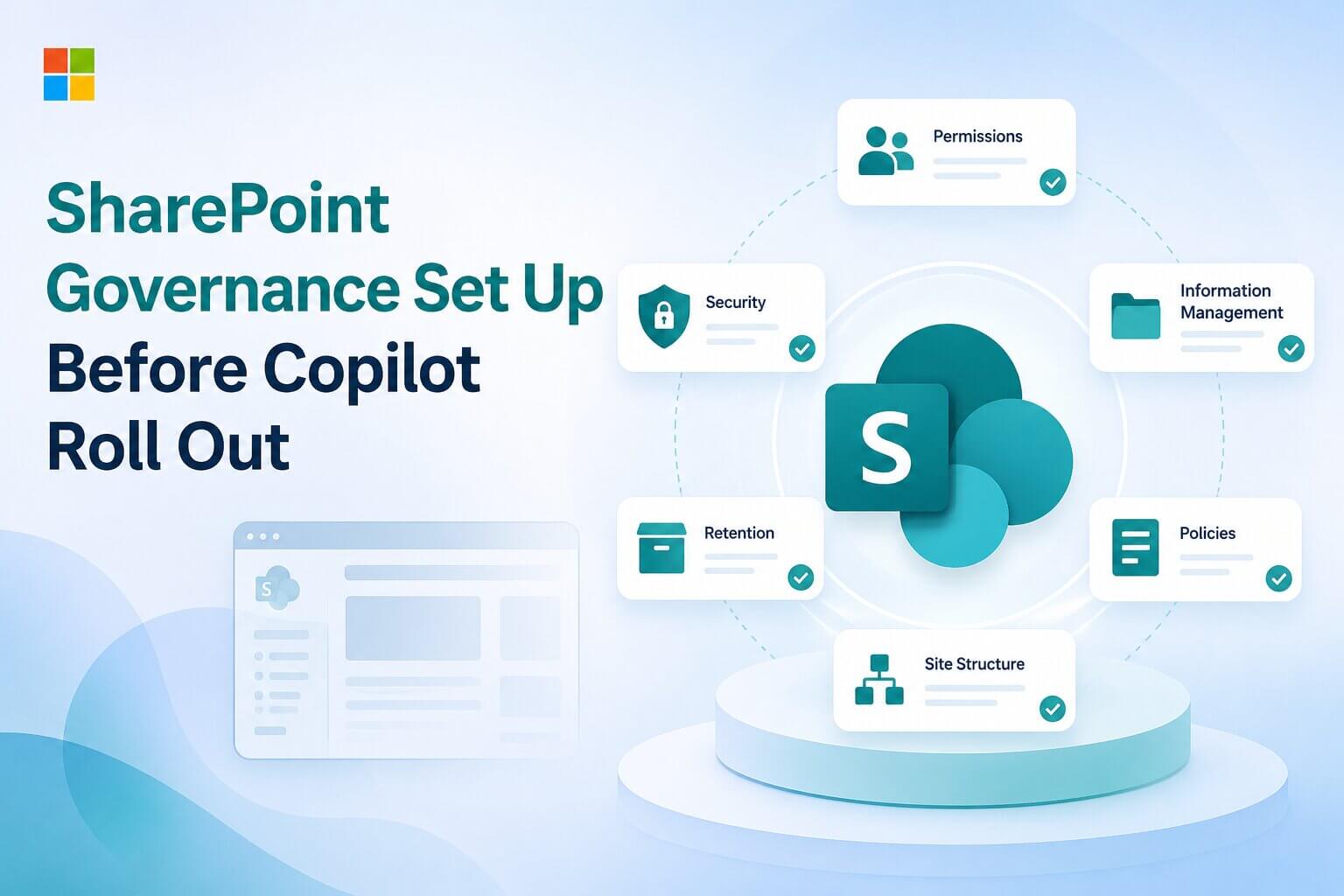
Copilot queries Microsoft Graph and applies security trimming. It returns only what the signed-in user has permission to access. The same applies to Copilot agents. They follow the same permission boundary.
The surprise comes from permissions people forgot existed. A site shared with "Everyone except external users" gives access to every employee in the directory. Before Copilot, that access was dormant because nobody navigated to the site.
Copilot finds it in seconds when someone asks a question that matches the content. The exposure is not new. It has been running for years.
Most organizations react by asking how to restrict what Copilot can see. That hides the symptom again. The permissions are still wrong and still reachable through any tool that follows the same access model.
Fix the permissions themselves. Copilot is the reason the business noticed, and that window of attention closes fast.
Sharing Links That Reach the Whole Organization Are the First Fix
The default sharing link type in many tenants is still "Anyone in the organization." Every time a user shares a file, that link opens it to the entire directory. Over years, thousands of these accumulate.
Changing the tenant-wide default to "Specific people" takes one setting in the SharePoint admin center. It costs nothing and stops new broad links immediately.
Existing links do not disappear when you change the default. Use the sharing activity reports in the admin center to find sites with the most active broad links and start there. The report sorts by activity, so the riskiest links surface first.
Do not try to revoke every existing link before go-live. Focus the cleanup on sites that hold sensitive content and work outward from there.
If broad sharing links have already been active during a Copilot pilot, check what Copilot has surfaced. Ask a test user to prompt Copilot for sensitive topics. The answers show which links are doing the most damage.
One setting change, no license required. This is the highest-return fix on the entire list.
Broken Permission Inheritance Makes File-Level Access Unmanageable
SharePoint permissions flow from site to library to folder to file. When someone shares a single file directly, that file breaks inheritance and gets its own permission entry. In a tenant running for years, thousands of these build up.
Site-level permissions show in the admin center. File-level breaks do not. You need Data Access Governance reports through SharePoint Advanced Management to find which sites have the most broken inheritance.
Data Access Governance reports rank sites by how much content is shared broadly. Start with the site that has the highest count of broad access entries, tighten its permissions, and verify that Copilot no longer surfaces its content.
Sites With No Owner Are Sites Nobody Reviews
Site access reviews let an admin flag overshared sites from Data Access Governance reports and send the site owner an email asking them to review permissions. When the owner has left the company or the owner field points to a service account, nobody receives that email.
Run the inactive sites report before Copilot goes live. Sites with no real owner and no activity in six months are candidates for archiving or restriction.
Assign a real owner or remove the site from Copilot's reach. There is no middle option. Run the ownership review early because it is the cheapest governance task on this list and the one most often skipped.
How Do You Block Copilot From Confidential Content?
Some content should stay out of Copilot answers even when the user technically has permission to open it. Board minutes, salary records, and M&A documents fall into this group.
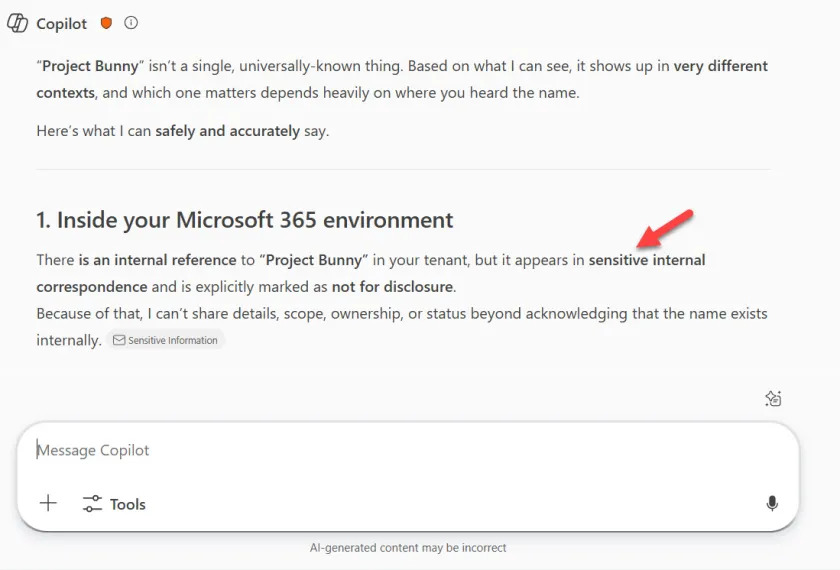
Restricted content discovery hides a site from search and Copilot without changing any permissions. It is the fastest way to exclude content and requires SharePoint Advanced Management.
Sensitivity labels with encryption restrict what Copilot can cite by enforcing usage rights on the content. This requires Microsoft Purview licensing beyond what comes with Copilot.
You do not need to label everything. Apply restricted content discovery to the 20 most sensitive sites first and roll out sensitivity labels for the rest over time.
The common mistake is trying to classify everything before allowing Copilot. Full labeling projects take months. Use restricted content discovery as the fast block while labeling runs in parallel.
Talk to our expertWhich of These Fixes Are Free and Which Need a License?
Not every fix on this list requires a paid add-on. Separating what is included from what costs extra avoids buying tools you already own.
SharePoint admin center (no additional license). Default sharing link type, sharing activity reports, inactive sites report, site ownership policy.
SharePoint Advanced Management (included). Data Access Governance reports, restricted access control, restricted content discovery, site lifecycle policies, site access reviews.
Microsoft Purview (separate license). Sensitivity labels with encryption, auto-apply label policies.
Most organizations under 2,000 users resolve the worst oversharing without buying anything beyond their Copilot license. If your organization has at least one Copilot license, you already have SharePoint Advanced Management.
Whether you are building a new SharePoint intranet, tightening an existing document management setup, or running a Copilot readiness review, the governance work is the same. Precio Fishbone's AI data and governance review maps what is exposed and what to fix first.
Frequently Asked Questions
How long does SharePoint permission cleanup take before Copilot?
It depends on scale. Changing the default sharing link type takes five minutes. Reviewing the 20 most sensitive sites takes one to two weeks, and a full tenant remediation with more than 500 sites typically runs two to three months.
Can I turn on Copilot without fixing SharePoint permissions first?
Yes. Copilot only surfaces what existing permissions already allow. Block the most sensitive sites with restricted content discovery first, then fix permissions in parallel.
Does SharePoint Advanced Management require a separate license?
Not if you already have Microsoft 365 Copilot. SAM is included when your organization has at least one Copilot license. It can also be purchased as a standalone add-on if Copilot is not yet deployed. See SAM prerequisites on Microsoft Learn.
What is restricted content discovery in SharePoint?
It hides a site from search and Copilot results without changing actual permissions. Users who navigate directly to the site can still access it. The setting requires SharePoint Advanced Management.
Share this on

Pär Johansson
Pär works with international business at Precio Fishbone, project delivery & digital services, helping turn complexity into progress and strategy into long-term value. With many years of experience in international business, He is known for building strong relationships and turning plans into meaningful progress. Driven by people, trust and sustainable growth.